Documents
PDFs, Word files and slide decks.
 Captions and PDFsMaking PDFs, documents, video and audio work for everyone
A PDF can look perfect and still fail a screen reader. A video can be clear and still lose people who can't hear it.
This guide shows how to fix both, in everyday words. Tags help screen reader users read and move around a PDF.[1] Captions give the sound as text.[2]
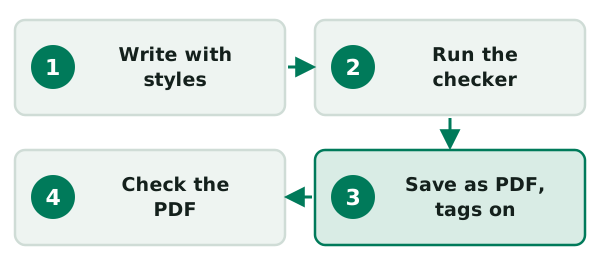
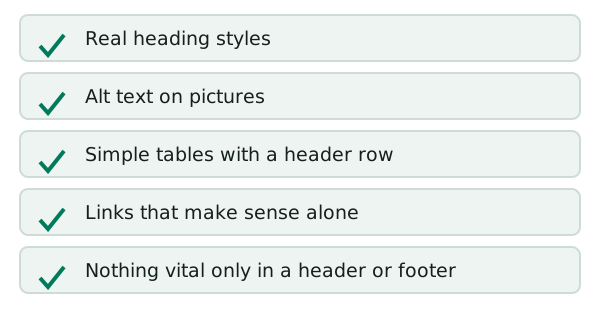
Fix the source file first, then export. The W3C says the simplest way to a correct reading order is to structure the document properly where you write it.[3]
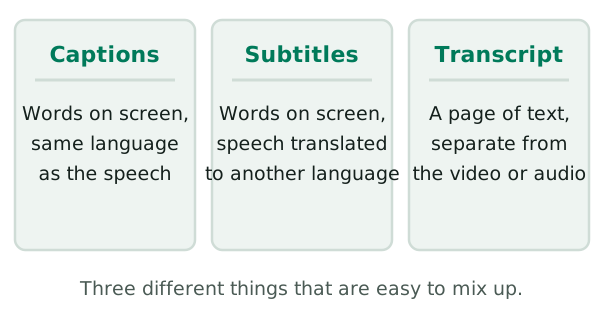
Captions are a text version of the speech and sounds a viewer needs.[2] Transcripts and descriptions cover the rest.
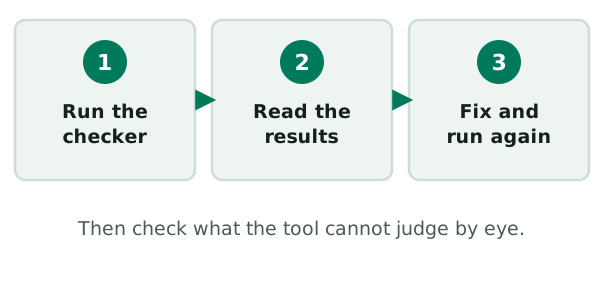
Run a checker, read the results, then look at what a tool can't judge.
Where PDFs go wrong
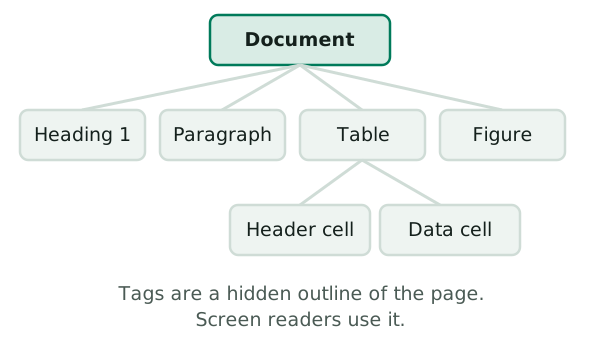
A PDF gets its structure from tags, which are created when it is saved as a tagged PDF.[3] This page shows what they do and how to keep the order right.
PDFs, Word files and slide decks.
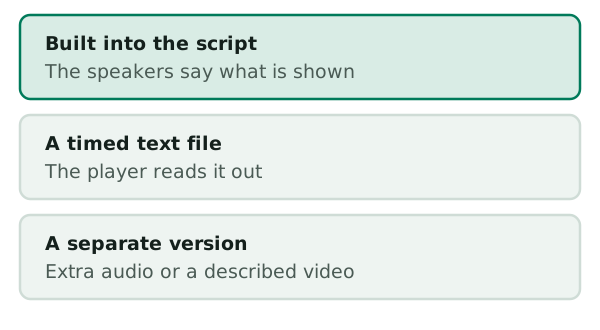
Captions, transcripts and audio description.
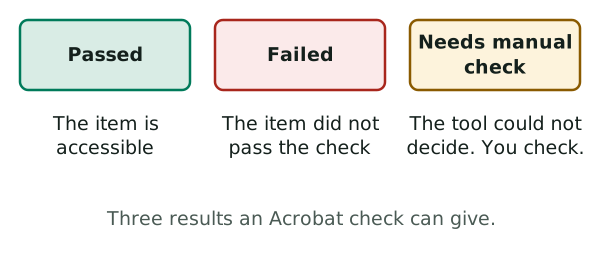
Tests to run before you publish.
These two pages cover the biggest wins.